
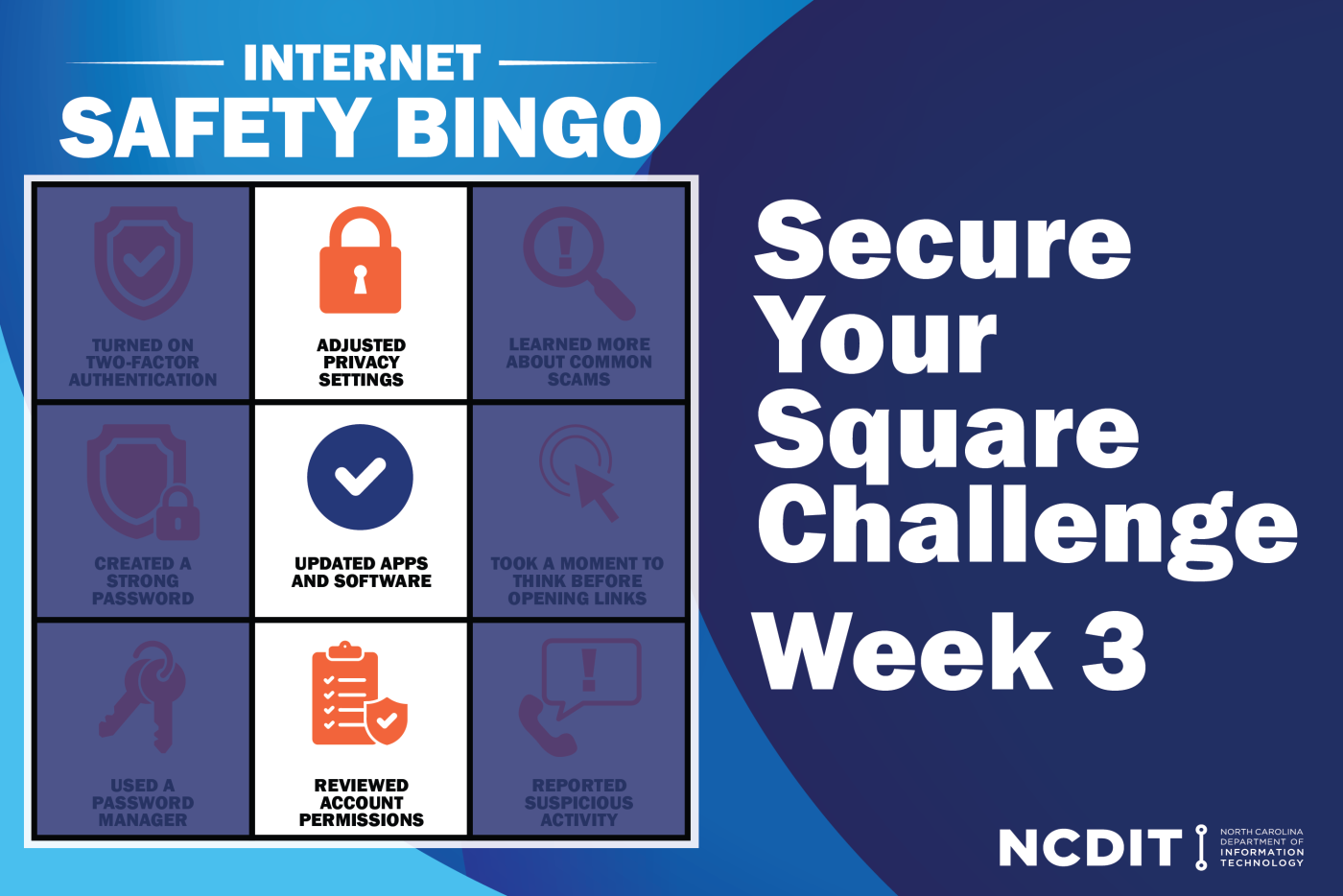
As we continue Internet Safety Month, this week’s focus is on strengthening digital privacy. That means taking a fresh look at the information we share online, updating software and making sure that devices are working for us—not giving away more data than we intend.
What to Review in Privacy Settings
Devices and browsers have built-in tools to protect your information. Some key things to review and consider adjusting in device settings include:
- Customizing location sharing to limit how much location data apps collect.
- Turning off analytics when apps first ask for permission to share usage data.
- Using FaceID or TouchID, which stores encrypted biometric data locally.
- Enabling two-factor authentication using trusted devices, phone numbers, or a physical security key.
- Encrypting cloud storage to prevent developers from accessing individual files; be sure to set up account recovery options.
- Turning on stolen device protection to require biometric verification and add a security delay if your device is taken.
- Activating Find My (or similar tools) to protect against loss or theft—trading some privacy for stronger security.
The Importance of Updates
It may feel like updates never end, but they are essential. Software updates add new features and improve performance, but most importantly they patch security vulnerabilities that cybercriminals could exploit.
Be sure these remain up to date:
- Your device’s operating system (OS)
- Web browsers
- Third-party apps
- Antivirus software
Web browsers in particular need frequent updates, as they face constant exposure to online threats.
Cookies and Account Permissions
Cookies are the bits of data that help websites and apps recognize you, but not all cookies serve the same purpose. Authentication cookies remember sign in information, while tracking cookies follow browsing to personalize ads.
Privacy settings in browsers and on devices give some control over the information websites collect. To manage ad tracking in the privacy settings, go to Privacy and Security, then Advertising, where personalized ads can be disabled entirely.
Small adjustments to privacy settings, regular software updates, and a better understanding of cookies all work together to protect personal information. By taking a few minutes this week to review these tools, you are creating a safer and more secure online experience not just for Internet Safety Month, but throughout the year.
Check out it.nc.gov/resources/online-safety for more information about staying safe online.