
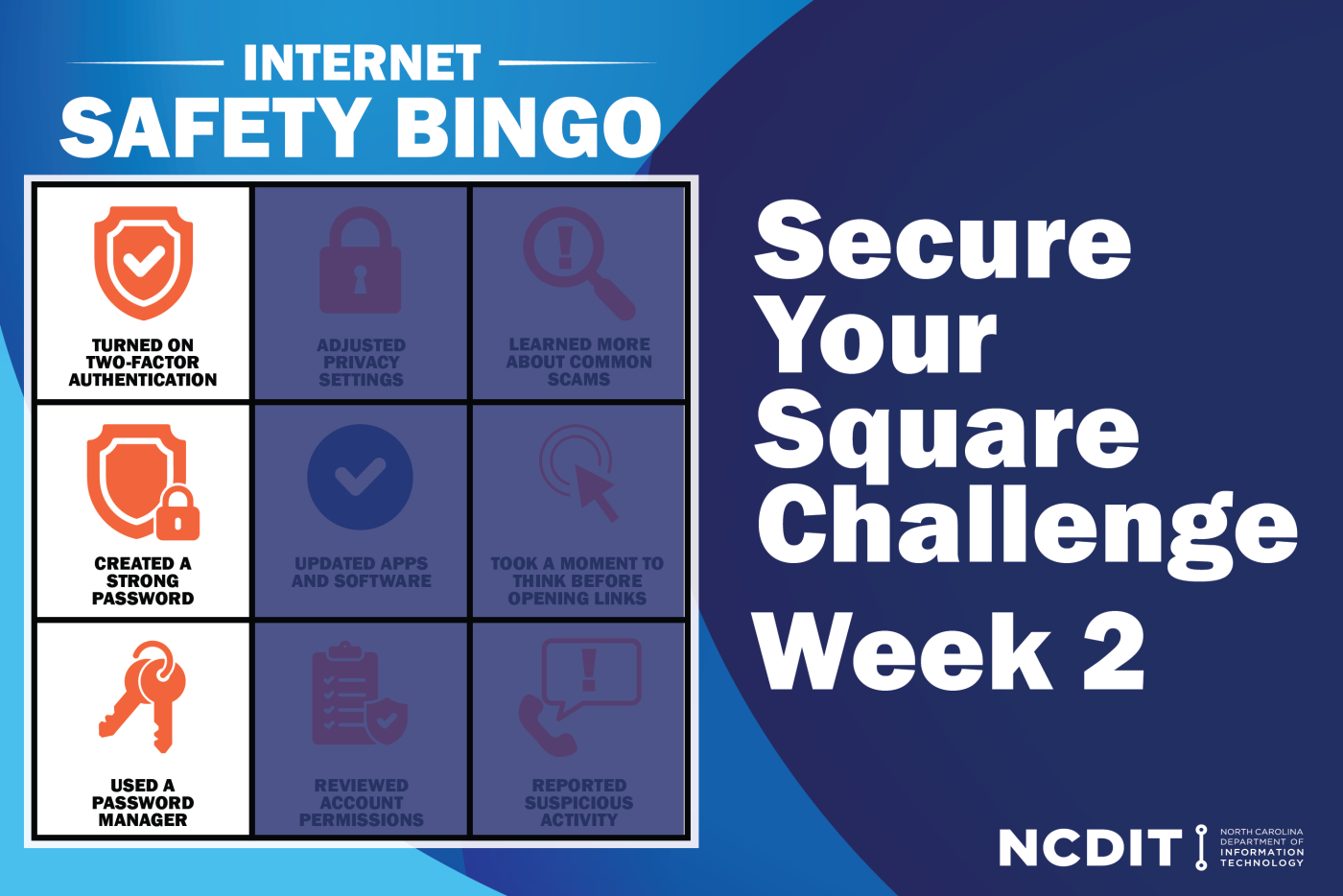
As we continue to recognize National Internet Safety Month, we are focusing on simple steps everyone can take to protect themselves and others online. This week we are highlighting the importance of strong passwords and multiple layers of authentication. According to Verizon’s 2025 Data Breach Investigations Report, 68 percent of breaches are identity-based—compromises to usernames and passwords—through deception techniques, such as phishing and pretexting, as well as attempting to guess passwords.
Given this, the more layers of protection enabled, the safer accounts and identities become.
Understanding Two-Factor and Multi-Factor Authentication
Two-factor authentication (2FA) and multi-factor authentication (MFA) both strengthen account security by requiring additional verification beyond a username and password. These extra steps help prevent unauthorized access, reduce the risk of data breaches, and create stronger protection across systems.
2FA requires two verification factors, while MFA requires two or more. Both draw from the same three categories:
- Something you know: A username and password (weakest form of authentication)
- Something you have: A physical device or digital method used to confirm identity.
- Something you are: Biometric identifiers, such as fingerprints, facial recognition, or iris scans (strongest form of authentication)
Common methods of 2FA and MFA include:
- SMS or email codes
- Push notifications through authentication apps
- Hardware tokens or key fobs that generate one-time codes
- Voice call verification
- Biometric scans
Creating Strong Passwords
A modern laptop can make 100 billion password guesses in a second, so passwords such as “password” and “12345” are not keeping information as secure as they can be.
When creating a new password, the most important components are length and complexity. It is recommended that they are at least 15 characters long and include a combination of uppercase and lowercase letters, numbers and symbols. A passphrase that does not include personal information or sequential numbers can be used to create complexity, while being easier to remember. An example passphrase could be, “N.C. is amazing” which translates to “N!C!_15_4m421ng”.
This can be made easier with the use of a password manager that can generate and store unique passwords.
Using Password Managers
A password manager is an application that makes the process of creating and saving passwords easier. It generates a long, complex string of letters, numbers and special characters and stores it securely.
Password managers do require a password to keep information protected, but that means remembering one password instead of many. When it is time to utilize a saved password, searching for the website or application will return the necessary username and password.
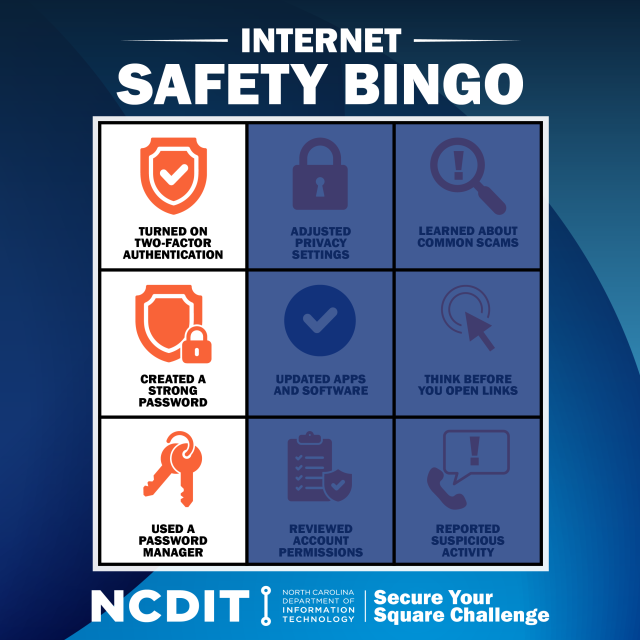
Staying safe online is not a one-time task, but an ongoing practice. Strengthening passwords is not enough anymore, having passwords generated and saved and enabling MFA help build a safer digital environment for every North Carolinian. As we continue observing Internet Safety Month, check off your BINGO card by turning on MFA, creating a strong password and using a password manager.
To learn more about how to be cybersmart, check out https://it.nc.gov/resources/online-safety.