
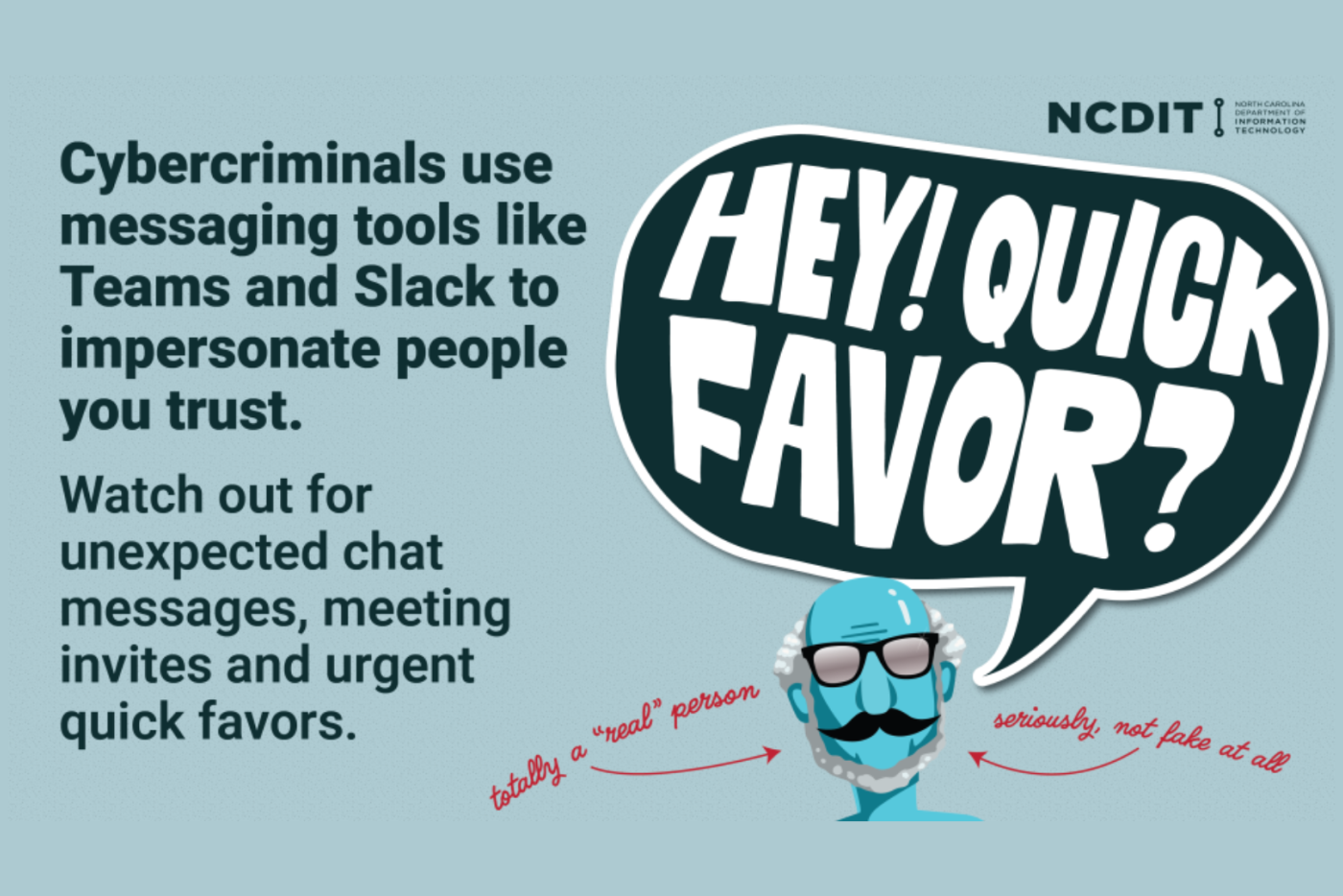
Stay aware and alert when it comes to email, text messages, and collaboration tools like Teams.
Recently, scammers have attempted to impersonate trusted individuals, including state agency leadership, through unexpected text messages and digital communications.
Some North Carolina state employees have received text messages from agency leaders that are out of the ordinary. In other states, there have been reports of hackers posing as IT or help desk staff, asking users to run remote assistance tools to gain access to their devices.
What to Watch For
- Unexpected emails, texts, or chat messages, meeting invites, or files from someone claiming to be from agency leadership, IT, or someone else in a position of authority or trust.
- Requests to open links to documents or tools to allow remote access to your computer or device.
- Messages that feel urgent or pressure you to act quickly.
If You’re Unsure
- If you receive a message – whether by chat, email, or text – that seems out of the ordinary, it’s best not to respond.
- If you aren’t sure, follow up with the sender using another form of trusted communication.
- Report suspicious messages to your agency help desk or security office right away.